for listeners
you like sound. so do we.
plyr.fm is an atproto-based audio app — music, podcasts, ASMR, ringtones, prayer, sound art, whatever gets recorded. you queue tracks, like them, build playlists, comment at specific moments.
when you find something you like:
- like it — how
- add it to a playlist — how
- leave a comment at a specific moment in the track
- support the creator via atprotofans, ko-fi, or a custom link
your likes, comments, and public playlists live in your personal data server, where compatible apps can read them. private playlists stay in plyr.fm.
even today, other apps (like aetheros.computer) already use plyr.fm records to provide an alternate user interface to audio stored on plyr.fm.
your first 5 minutes
Section titled “your first 5 minutes”-
sign in — go to plyr.fm and enter your atmosphere account (e.g.
you.bsky.social)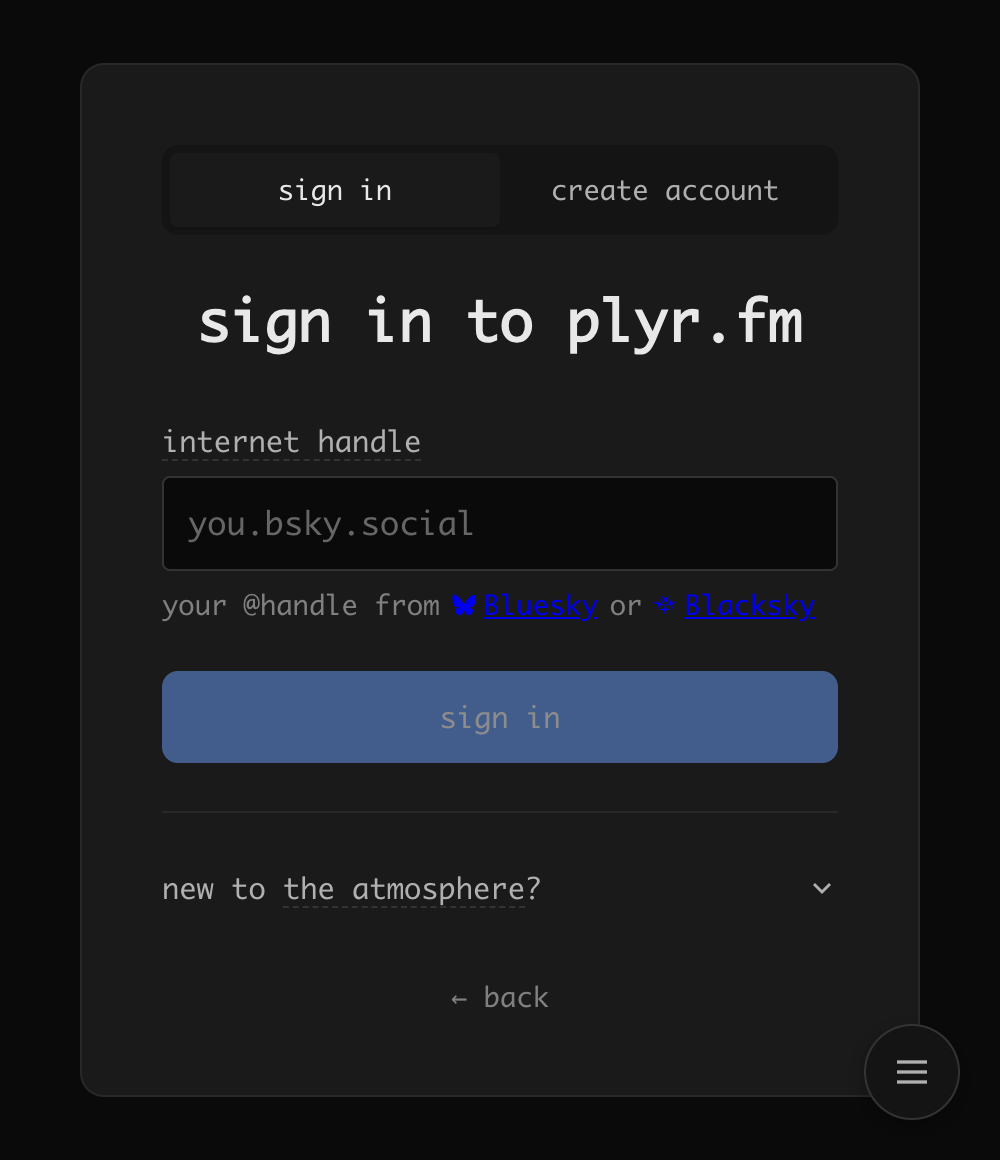
-
find a track — browse the feed to see what’s playing
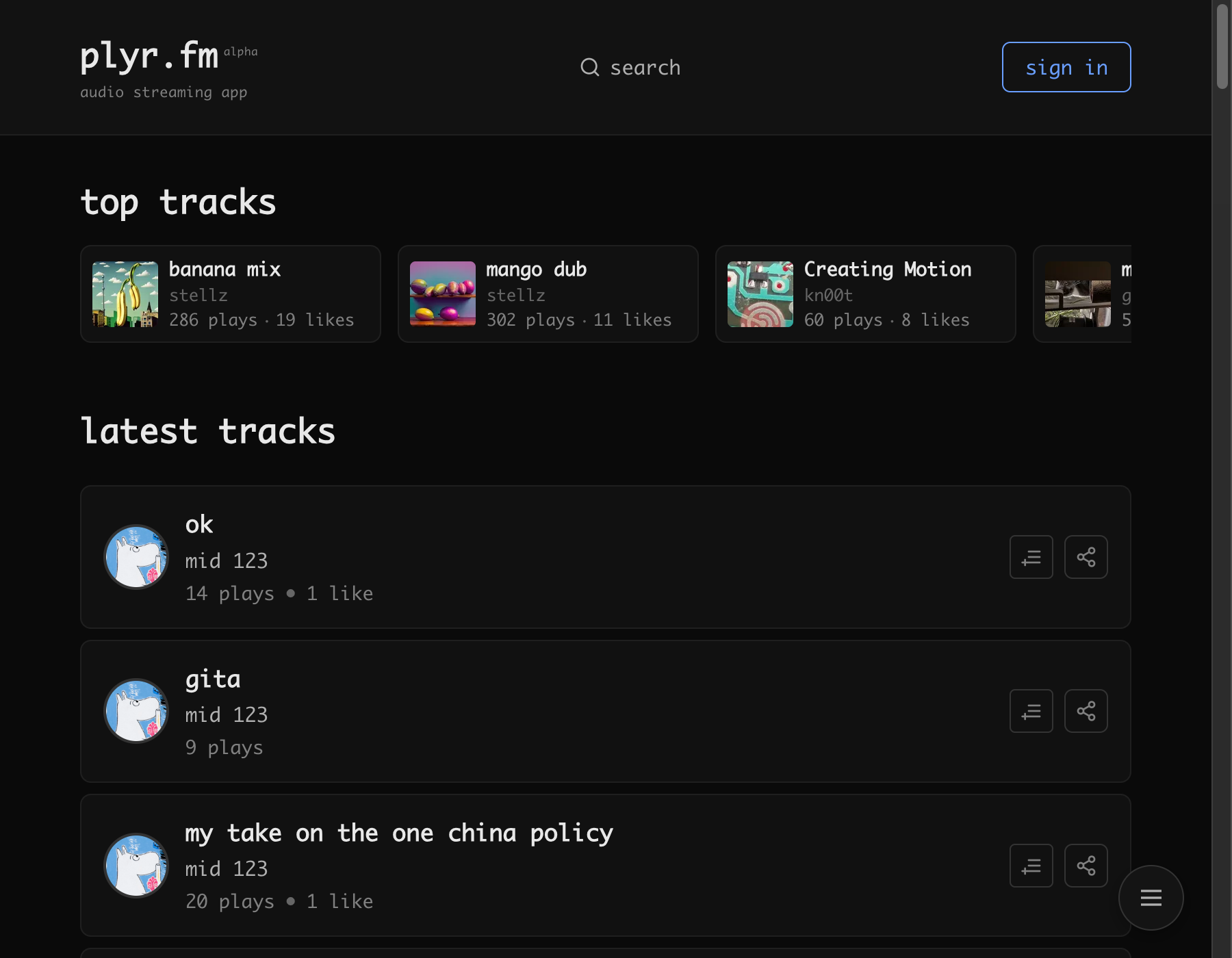
or hit
Cmd+Kto search for something specific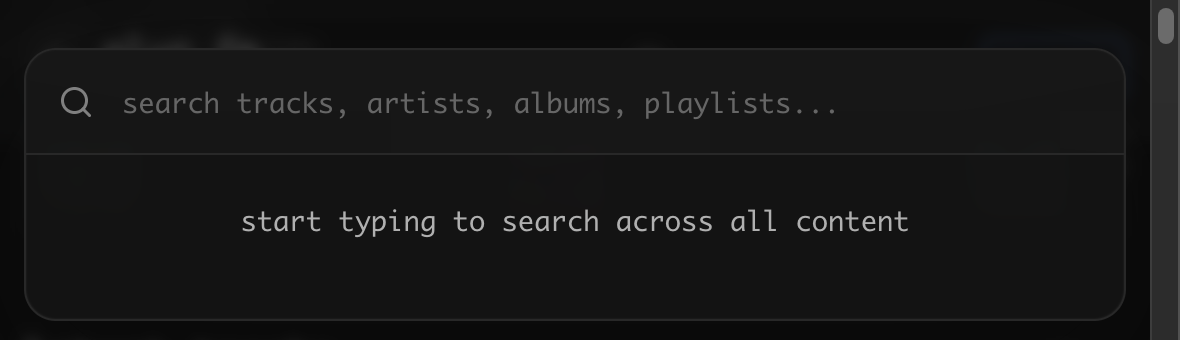
-
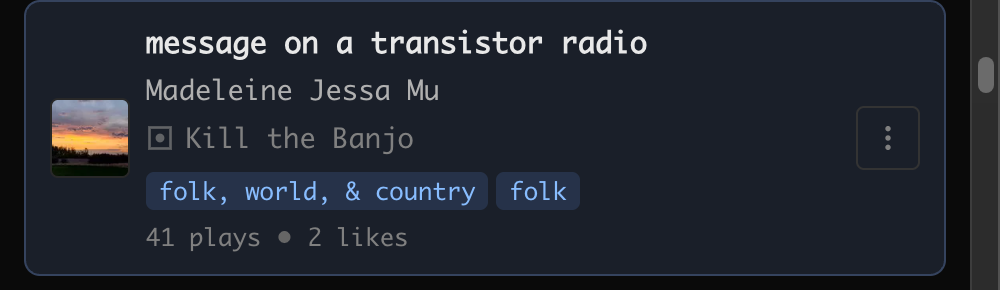
play it — click any track to start streaming. tap a track inside an album or playlist and the rest of that collection lines up behind it as “next from: <collection>”
-
like it — click the heart on a track or in the player, then choose “add to liked”. if you are signed out, follow the sign-in link; it keeps your current page as the return destination
-
build a playlist — choose “add to playlist” from that same heart menu, then pick or create a playlist
playlists can be public (published to your atmosphere account, readable by any compatible app) or private (stays in plyr.fm). private playlists are visible only to you and stay in plyr.fm’s database.
to track and visualize your listening history, you can enable teal.fm scrobbling in your settings.
sensitive content
Section titled “sensitive content”sensitive artwork and adult-labeled audio are hidden by default. Signed-in listeners can turn both on together or manage artwork and audio separately in settings. Signed-out visitors cannot opt in. See sensitive content for how labels, direct links, radio, and playback behave.
what’s here
Section titled “what’s here”- stream audio — music, podcasts, sound art, whatever creators publish
- like tracks and build playlists — choose public or private when creating a playlist
- timed comments — leave a reaction at a specific moment in a track
- jams — shared listening rooms, in real time with friends
- downloads — save a track, or a whole album as a zip, when the artist allows it
your likes, public playlists, and comments are stored on your PDS, the same place a Bluesky post lives. private playlists and app preferences stay in plyr.fm.
downloads
Section titled “downloads”most public audio can be downloaded — look for the download icon next to share on track and album pages. files come named (artist - title.ext) and prefer the lossless original when one exists; albums arrive as a numbered zip in the artist’s track order. the first album download takes a minute to prepare — it’s safe to leave, it stays ready once built.
listening and downloads have separate permissions. a track may play publicly while downloads are off, or offer downloads only to supporters. rights information alone does not determine access. album ZIPs require download permission for every included track. private Space tracks currently offer playback without a separate listener download.
the player and queue
Section titled “the player and queue”the player stays at the bottom while you browse. use its heart to like the current track or add it to a playlist, and its queue button to see what is next. the skip buttons move by 5, 10, or 15 seconds depending on track length.
open the queue to reorder upcoming tracks or shuffle them. enable keep playing in settings to continue with picks from your For You feed when your queue ends.
keyboard shortcuts
Section titled “keyboard shortcuts”| key | action |
|---|---|
space | play / pause |
← / → | seek back / forward 10 seconds |
j | previous track |
l | next track |
q | toggle queue |
cmd+k | search |
cmd+, | open settings |
m | mute / unmute |
leaving
Section titled “leaving”you can leave anytime (we’re sad to see you go 😢). to delete your account and all your data from plyr.fm, go to the portal and click “delete account”. for full detail on what gets deleted, see the offboarding documentation.
even after you leave
Section titled “even after you leave”feel free to listen without signing in :) we’re not mad at you