for creators
you make sound! let’s get it out there!
on plyr.fm, you can share music, podcasts, sound art, ASMR, and anything else that makes noise — no distribution fees, no gatekeepers.
when you upload a track:
- its record is tied to your atmosphere identity; audio storage depends on your access choices and host
- choose who can listen and download, including public listening without an account
- you can embed a player on your website or blog
- you can gate tracks behind supporter status
public records can be read by other compatible apps. protected audio remains subject to its access rules; private Spaces require their host’s authorization. you can export your catalog from the portal.
your first upload
Section titled “your first upload”-
sign in at plyr.fm with your atmosphere account (e.g.
you.bsky.social)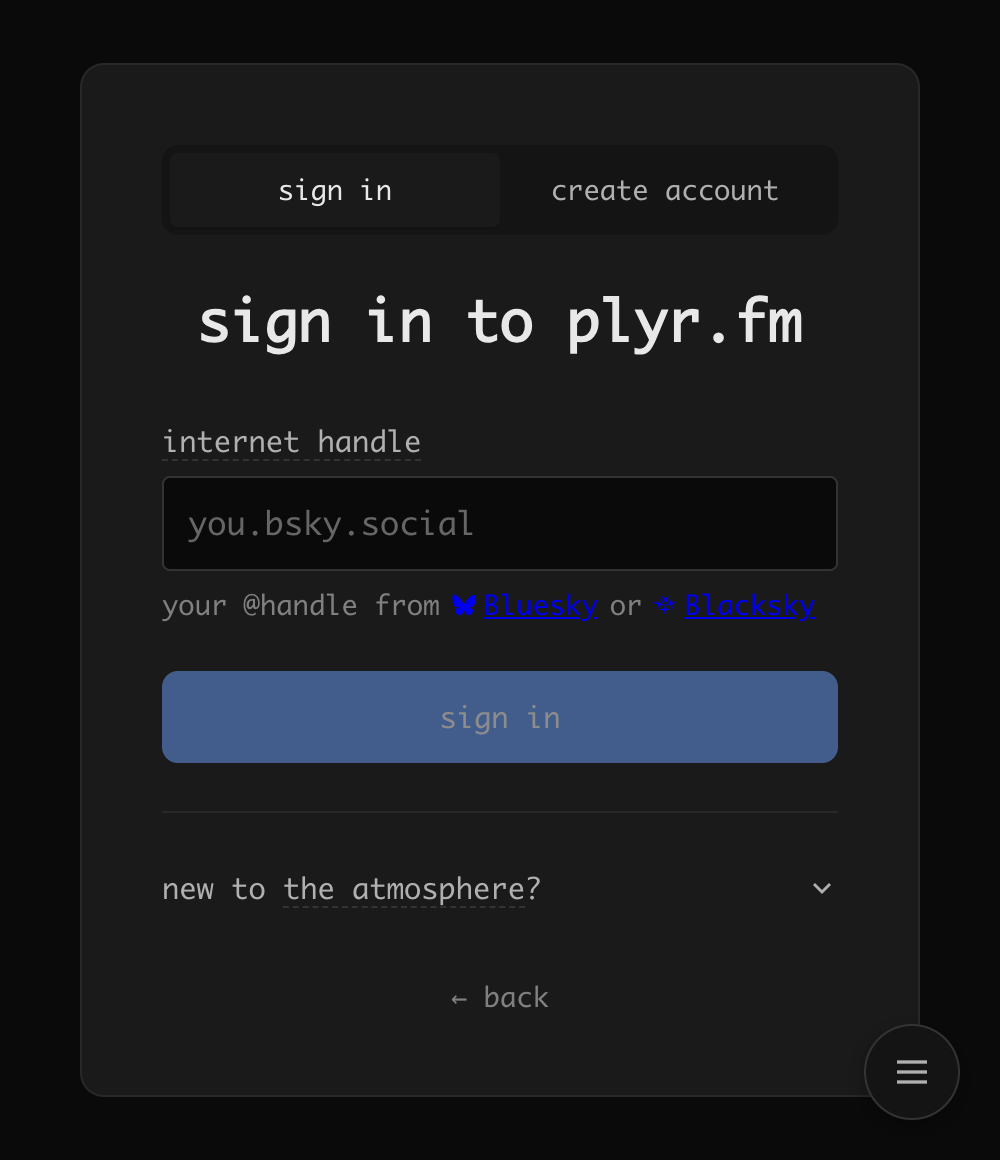
-
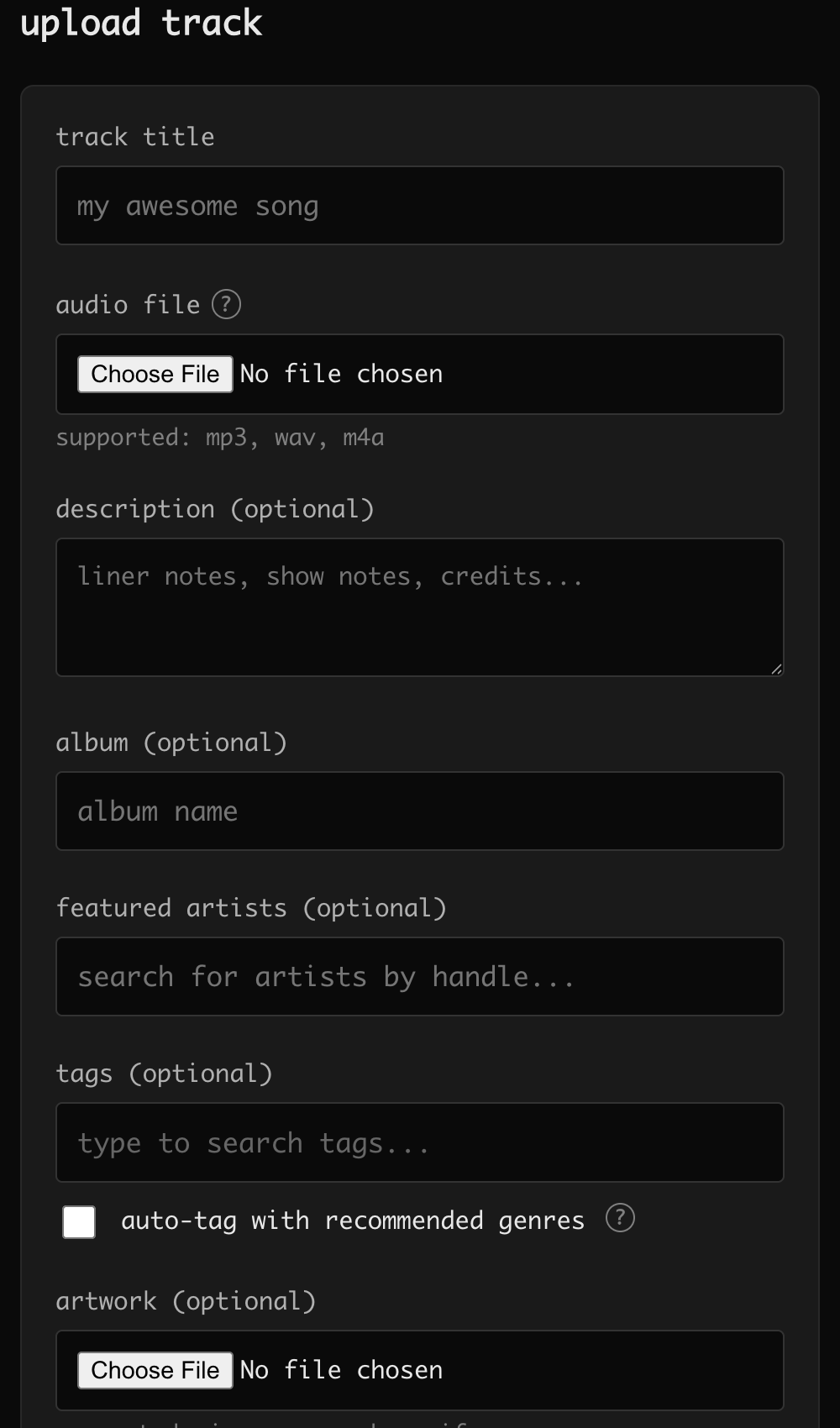
upload — click the upload button and choose your audio file (MP3, WAV, M4A, FLAC, AIFF). as soon as you pick it, the form shows what it knows about the file — format, size, length, a waveform for shorter tracks, and a play button to check it’s the right one — without sending anything. nothing leaves your browser until you press upload, so picking the wrong file costs nothing.
-
add artwork — attach cover art to your track. see artwork guidelines for format and size recommendations
-
add metadata — edit your track in the portal to add tags, cover art, and a description
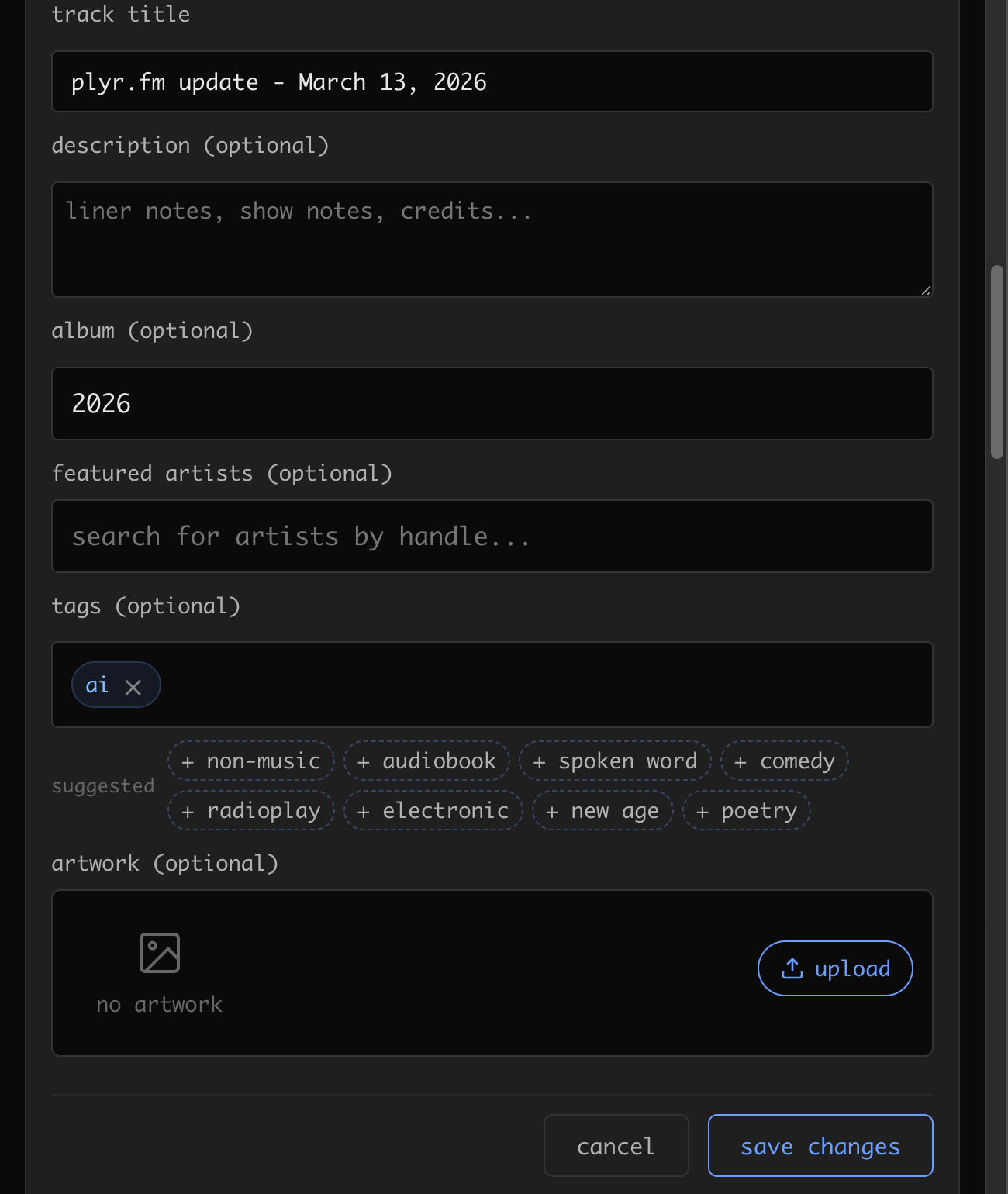
when you add tags, you can opt in to auto-tag with recommended genres — plyr.fm runs ML genre classification on the audio using the effnet-discogs model and suggests tags automatically. you can accept, remove, or add your own. auto-suggested tags typically appear within a few seconds of upload.
-
publish it — check the access summary, then upload. once processing completes, playback and discovery follow the choices you saved
-
embed it — copy the embed code to put a player on your website or blog (see embeds below)
music access
Section titled “music access”set your defaults in Portal under music access. new accounts start with anyone able to listen and download. existing artists’ saved download choices are preserved.
uploads show a short summary and use your defaults. expand the controls to change a specific track. album uploads share settings across their tracks; individual tracks can override them. when editing an album, applying settings preserves track exceptions unless you explicitly choose to replace them.
Portal defaults affect future uploads. changing them does not rewrite your existing catalog. use the track or album controls to change published works.
listening, downloads, discovery, and rights information are separate:
- listening controls who can play the track. turning off public listening reveals the available audience choices.
- downloads controls who can obtain the original file. public listening with downloads off lets people hear your work without offering the master.
- show in feeds controls public discovery. an unlisted track can still appear on your artist page and in search; unlisted is not private.
- attach rights information adds your chosen rights metadata. adding or removing it does not change listening or download permissions.
restricted listening with open downloads still allows people to download the original. choose both settings deliberately. a support prompt is optional; it does not enforce a payment or subscription.
protected audio
Section titled “protected audio”restricted originals and listening use plyr.fm-managed protected storage when native Spaces are not being used. public listening uses a separate playback rendition when the original must remain protected.
downloads off does not prevent recording or saving playback. restricting an existing track also cannot recall files that were already public or downloaded. a compatible PDS becoming available does not automatically migrate your audio into Spaces.
adult audio and content notices
Section titled “adult audio and content notices”if a track contains adult or sexual audio, enable contains adult or sexual audio when uploading it. You can change the notice later in the track editor.
the notice is stored with your track in your ATProto repository. On plyr.fm, noticed tracks are hidden from discovery feeds, search, and radio unless a signed-in listener has enabled sensitive audio in their settings. Your own artist page still lists them, and a direct link still follows your listening permissions — the notice changes where your track surfaces, not whether someone you send it to can hear it, and not how your catalogue looks to someone who came to find you. You always see your own noticed tracks, whatever your own settings say. See moderation for exactly which surfaces are affected.
removing your notice removes only your own assertion. If a plyr.fm moderator independently labeled the track, that operator label and its default-hide policy remain until the moderation decision is reversed.
artwork guidelines
Section titled “artwork guidelines”track artwork is displayed as a square across the app — in lists, the player, and on track pages. for best results:
- use square images (1:1 aspect ratio) — at least 500 × 500 px for clarity at all display sizes
- supported formats: JPG, PNG, WebP, or GIF
- max file size: 20 MB
non-square images are automatically center-cropped to fit a square frame. if your artwork is wider than it is tall, the left and right edges are trimmed; if taller, the top and bottom are trimmed. there’s no manual crop tool, so square images give you full control over what’s visible.
album and playlist covers accept the same formats except GIF.
embeds
Section titled “embeds”share your audio anywhere with embed iframes. plyr.fm supports track, playlist, album, and radio embeds.
track embed
Section titled “track embed”<iframe src="https://plyr.fm/embed/track/{track_id}" width="100%" height="152" frameborder="0" allow="autoplay; encrypted-media" loading="lazy"></iframe>playlist embed
Section titled “playlist embed”<iframe src="https://plyr.fm/embed/playlist/{playlist_id}" width="100%" height="352" frameborder="0" allow="autoplay; encrypted-media" loading="lazy"></iframe>album embed
Section titled “album embed”<iframe src="https://plyr.fm/embed/album/{handle}/{album_slug}" width="100%" height="352" frameborder="0" allow="autoplay; encrypted-media" loading="lazy"></iframe>radio embed
Section titled “radio embed”a live widget for plyr.fm radio with a tuner dial for flipping stations:
<iframe src="https://plyr.fm/embed/radio" width="100%" height="220" frameborder="0" allow="autoplay; encrypted-media" loading="lazy"></iframe>add ?station={slug} (e.g. ?station=fresh) to pin the initial station — an unknown slug falls back to the default station. iframes shorter than ~184px hide the tuner dial but keep the pinned station.
autoplay
Section titled “autoplay”every embed accepts ?autoplay=1 to start playback as soon as it loads:
https://plyr.fm/embed/radio?station=fresh&autoplay=1two caveats:
- the embedding page must grant permission with
allow="autoplay"on the iframe (all the examples above do). - browsers may still block audible autoplay until the visitor has interacted with the embedding site. when blocked, the embed stays paused — no error, just the normal click-to-play state.
the full radio page also accepts ?autoplay=1, useful for browser-source overlays (e.g. OBS) where nothing can click play.
oEmbed
Section titled “oEmbed”plyr.fm supports oEmbed for automatic embed discovery:
https://api.plyr.fm/oembed?url=https://plyr.fm/track/{track_id}paste a plyr.fm track link into any oEmbed-compatible platform and it will render a player automatically.
supporter-gated tracks
Section titled “supporter-gated tracks”plyr.fm integrates with ATProtoFans to let artists gate tracks behind supporter status. when a listener tries to play a gated track, plyr.fm checks whether they support the artist — if they do, they get access; if not, the track is locked.
today this is a binary check: a listener either supports you or they don’t. there are no tiers, amounts, or expiration windows. listening and download permissions each use the audience you selected.
how it works
Section titled “how it works”- configure your support integration, then choose supporters as the listening audience in the track or Portal music access controls
- when a listener hits play, plyr.fm checks their support status via ATProtoFans
- supporters get access; everyone else sees a lock
how gated audio is stored
Section titled “how gated audio is stored”gated audio lives in a private bucket on plyr.fm’s infrastructure — not publicly accessible. when a supporter plays a gated track, plyr.fm validates their support status and generates a time-limited presigned URL. downloads follow their separate policy; choosing open downloads makes the original available even when listening is restricted.
supporter gating is separate from the experimental permissioned-data path described below. It has a shared audience, so it remains on plyr.fm’s authenticated storage until the ecosystem has an interoperable audience and revocation model.
we’d also like to support more expressive gating — tiers, time-limited early access, per-track pricing — as the ecosystem matures.
private tracks
Section titled “private tracks”Choosing private stores the track record and audio in an artist-owned permissioned space on your PDS. There is no public record or R2 copy. The track is hidden from feeds, search, profiles, albums, and playlists. You and the people on your access list (portal → manage) can view and play it through plyr.fm; listed people need an account on a PDS that supports permissioned data.
The first time you choose private media, plyr.fm may ask you to approve an additional OAuth permission. Playback is proxied through plyr.fm because browsers do not hold the short-lived space credential needed to fetch the blob directly.
This is not the same as unlisted (metadata remains discoverable and listening follows its own policy) or supporters only (active supporters can play it). Broader permissioned sharing and third-party catalog interoperability are still being designed against ATProto Proposal 0016.
copyright detection
Section titled “copyright detection”every upload is automatically scanned for copyrighted audio. if the scan finds a likely match, your track gets a yellow ⚠ marker in the portal — tap or hover it to see what was matched.
what a match means
Section titled “what a match means”a match is a flag for review, not a takedown. your track stays up and playable. the marker is there so you (and plyr.fm) know the audio resembles a known recording — it’s a heads-up, not an accusation.
matches can be wrong. common false positives:
- samples and loops reused across many songs
- covers, remixes, and mashups — legal gray areas, not necessarily infringement
- similar chord progressions or drum patterns
- coincidental audio artifacts
that’s why a match is flagged rather than auto-enforced — a human decides whether anything actually needs to happen.
how the scan works
Section titled “how the scan works”after your upload finishes, plyr.fm scans the audio against AudD’s recognition database in short segments. the more of your track that consistently matches the same recording, the stronger the signal. a match that carries an ISRC code (a unique recording identifier) is strong evidence of a specific recording, not just similar-sounding audio.
if you believe a match is a false positive, or you hold the rights to the matched work, get in touch — nothing about the flag is automatic or final.
sensitive content labels
Section titled “sensitive content labels”plyr.fm uses the global AT Protocol labels sexual and porn for adult audio.
They are content warnings, not takedowns: the track and its ATProto record remain
in place. plyr.fm hides the track from discovery by default, while artist pages,
collections, and direct links still follow the work’s visibility and listening permissions. Shared radio and
jams exclude adult-labeled audio. The creator can always manage it in the portal.
enable contains adult or sexual audio during upload, or change the content notice later in the track editor. The notice is stored with your track as a standard ATProto self-label and immediately participates in plyr.fm’s default-hide policy. It remains separate from any independent moderator label. See sensitive content for the listener behavior.
downloads
Section titled “downloads”listeners can download a track when its saved download policy permits it. album ZIPs require permission for every included track; they do not bypass a track’s restrictions. files are named after you and your titles, preferring the lossless original when available.
downloads can be open, off, supporter-only, or accompanied by an optional support prompt. rights metadata does not itself forbid downloads. native private Space tracks currently support playback, not a separate listener download.
your data
Section titled “your data”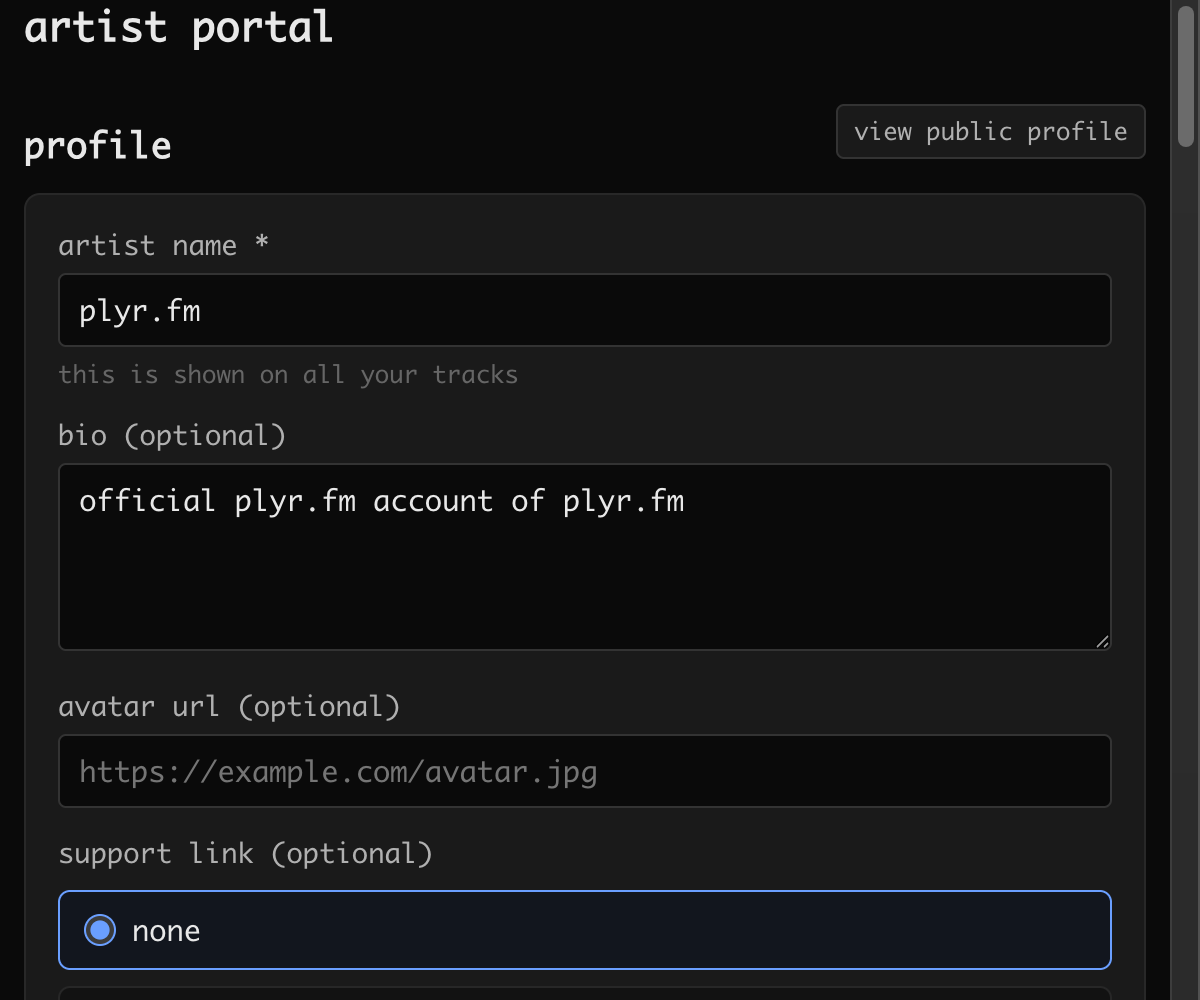
every track you upload is tied to your account — you can inspect your records in a PDS viewer, and they travel with you if you move to a different host.
public audio may be stored as a PDS blob or on plyr.fm when the host cannot accept it. protected managed audio stays in private plyr.fm storage. native private works use their PDS Space. moving your account does not by itself move these managed audio files into a Space.
the portal offers a bulk export — it packages your tracks as a ZIP (using lossless originals when available) that you can download directly.
see the lexicons overview for the full record schema.
leaving
Section titled “leaving”you can leave plyr.fm at any time. download your tracks as a ZIP from the portal, then delete your account — this removes all data from plyr.fm’s infrastructure. your atproto records stay on your PDS by default, but you can choose to delete those too. for the full technical details, see the offboarding documentation.